How to Join the Azure Latch Discord Server: A Complete Guide
Learn how to join the official Azure Latch Discord server to get the latest game updates, connect with the community, and master your soccer skills.
Published: Azure Latch Wiki Editorial Team
Table of Contents
Connecting to the Azure Latch Discord Community
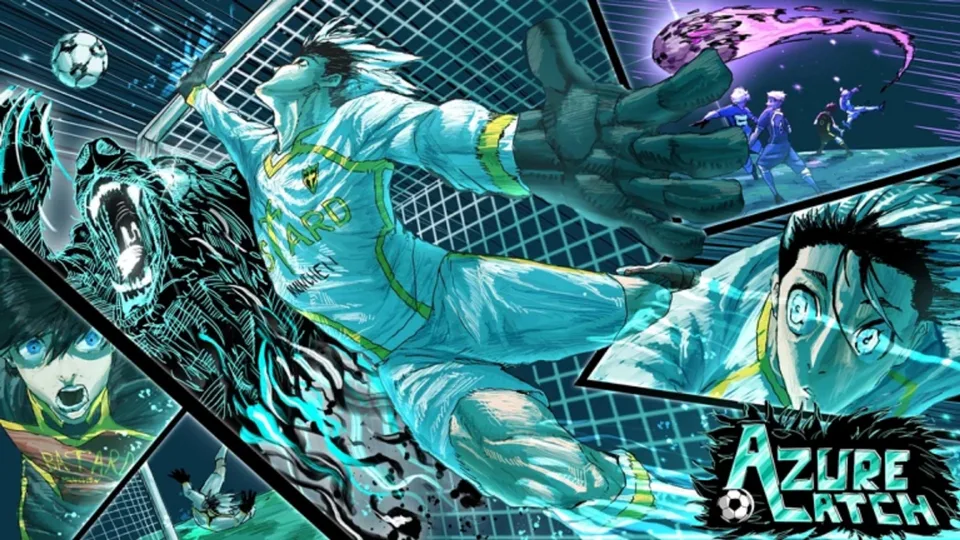
Azure Latch, a popular sports experience on Roblox developed by the [B:S] Azure Latch Team, draws inspiration from iconic anime series like Blue Lock, Captain Tsubasa, and Inazuma Eleven. As you dive into the intense world of anime-style soccer, mastering the game's mechanics—such as specific abilities, styles, and movement variants—is essential for climbing the ranks. While the game provides deep customization, the fastest way to improve your gameplay is by joining the official Azure Latch Discord server.
The Discord server serves as a bridge between the developers and the player base. It is not just a place to chat; it is an information hub where you can find real-time updates, interact with experienced players, and resolve confusion regarding complex game mechanics that might not be immediately obvious in the game client.
Why You Should Join the Official Discord
Many players rely solely on the game or unofficial guides, but the official Discord server offers advantages that static resources simply cannot match. According to community reports, the primary benefit of joining the server is the ability to receive rapid, crowdsourced answers to your specific questions.
Tip
If you are struggling with a specific soccer move or need to know which stats to prioritize for your build, posting in the general or question-specific sub-channels often yields a response from veteran players within minutes.
Furthermore, the Discord server is the most reliable source for patch notes and upcoming feature announcements. By staying active in the community, you ensure that you are always aware of meta shifts, balance changes, or new abilities added to the game by the [B:S] Azure Latch Team.
Steps to Join the Azure Latch Discord
Joining the server is a straightforward process, but it is important to ensure you are using the official link to avoid phishing or unofficial, low-quality servers.
Locate the Social Links: Look for the "Social Links" section located in the game description or the game's sidebar.
Open Discord: Launch your Discord application on your desktop or mobile device.
Add the Server: Click the "+" (Add a Server) icon on the left-hand sidebar.
Join: Select "Join a Server" at the bottom of the pop-up window and paste the verified invite link.
Always verify that the server name and icon match the official branding of the game. If a link you found on a third-party site does not work, it is safer to navigate back to the official Roblox game page to retrieve the most current, active invite link.
Utilizing Server Resources for Gameplay Mastery
Once you have joined, you will notice that the server is organized into various text and voice channels. Understanding how to navigate these is key to getting the most out of your experience.
Exploring Channel Functions
General/Question Channels: These are your go-to spots for quick inquiries. Whether you are confused about how the "Rainbow Flick" works or need advice on a specific "Control Variant," this is where the community helps you out.
Voice Channels: If text explanations aren't enough, hopping into a voice channel allows you to have a more detailed discussion with other players. This is particularly useful for learning complex mechanics that involve timing and button sequences.
Update/Patch Notes Channels: Keep notifications on for these channels to stay ahead of the competition. Knowing how a move was nerfed or buffed before you enter a match can be the difference between winning and losing.
Frequently Asked Questions
Is the Discord server free to join?
Yes, the official Azure Latch Discord server is free for all players to join. You only need a valid Discord account.
Can I report bugs in the Discord server?
Most game communities have dedicated channels for bug reporting. Check the server's channel list for a "Support" or "Bug-Reports" category to ensure your feedback reaches the developers.
Why can't I see any channels after joining?
Many Roblox game servers require you to accept the server rules or verify your account (often via a bot) before you gain access to the full list of channels. Check the "Rules" or "Verification" channel immediately after joining.
Final Tips for Community Members
To maintain a positive environment, always remember to be respectful in the general chat. The Azure Latch community is built on mutual learning, so sharing your own gameplay highlights or helping newer players is a great way to establish yourself as a contributing member. If you encounter any issues with the invite link, check the game description on Roblox again, as developers may occasionally rotate their invite links to manage server growth.