How to Trigger Rin and Sae Overtime Events in Azure Latch
Master the Rin and Sae overtime quick-time events in Azure Latch. Learn the mechanics, triggers, and flow requirements to execute these high-stakes plays.
Published: Azure Latch Wiki Editorial Team
Table of Contents
Triggering the Rin and Sae Overtime 1v1 Event
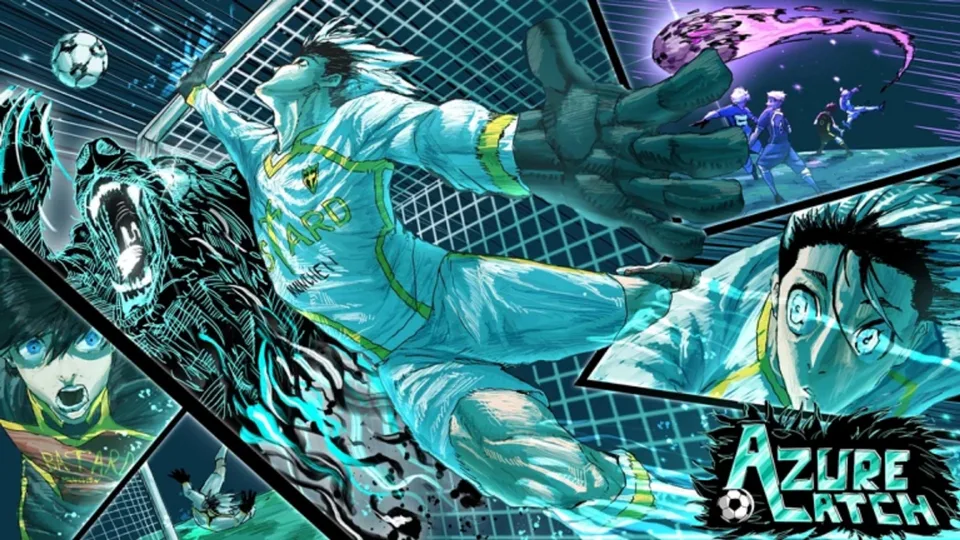
In the Azure Latch experience on Roblox, the rivalry between Rin and Sae reaches its peak during overtime. Developers have reintroduced a cinematic quick-time event (QTE) that allows players to reenact this iconic matchup. To trigger this interaction, both characters must be on the pitch, and both must successfully activate their Flow state once the overtime period begins.
Once the conditions are met, the game will transition into a scripted 1v1 sequence. You will be prompted with specific on-screen key inputs that you must press in real-time. According to community feedback, the timing window is quite generous, but precision is key to ensuring the sequence executes successfully. If you fail to input the correct keys, the sequence will end without the intended outcome.
Understanding the Outcomes of the Overtime QTE
The result of the Rin vs. Sae QTE is determined by which player wins the button-pressing sequence. This interaction is designed to shift the momentum of the match significantly:
Sae Wins: If the Sae user performs the QTE successfully, they will bypass the defense and score an automatic goal.
Rin Wins: If the Rin user wins the sequence, they will successfully steal the ball from Sae, effectively neutralizing the threat.
Tip
Practice your reaction times. The QTE features subtitles and high-intensity presentation, which can be distracting. Focus strictly on the required key prompts appearing on your screen to ensure you don't miss the window.
The Isagi Factor: Specialized Animations
A unique layer of complexity exists if Isagi is involved in the same play. If Isagi is on the winning side of the matchup and currently in his Flow state, he can trigger a special "U20 direct shot" auto-goal. This is a rare interaction that forces a specific U20 celebration MVP animation.
Community reports indicate that while this is a visually impressive feature, it is quite difficult to set up in a standard competitive match because it requires multiple players to synchronize their Flow states simultaneously. It is essentially a high-level "Easter egg" mechanic that rewards coordinated team play.
Tactical Considerations and Flow Management
Managing your Flow is essential for any high-tier gameplay in Azure Latch, especially when aiming for these overtime events. Since the QTE requires you to be in Flow, you must conserve your gauge as you approach the end of regulation time.
Warning
Activating Flow too early might leave you vulnerable if the game enters overtime and your gauge is depleted. Always monitor your Flow progress bar and coordinate with teammates to ensure your star players are prepared for the final moments of the match.
Troubleshooting Common Issues
If the QTE is not triggering despite both players being in Flow, ensure that you are indeed in the overtime period. The game mechanics explicitly check for the overtime state. Additionally, keep in mind that:
Subtitles: Ensure your settings allow for subtitles, as the game uses them to signal the "Final Matchup" phase.
Voice Lines: The game includes specific overtime voice lines for various characters. If you don't hear them, check your audio settings to ensure your volume is turned up, as these lines are part of the immersion during the QTE.
Game Modes: Verify that you are playing in a mode where these mechanics are enabled. Some casual or custom modes may have different rulesets that disable specific cinematic events.
For more information on individual character movesets and updates, you can check the Azure Latch Wiki for detailed patch notes and character-specific mechanics.